WooCommerce
Design a premium store in minutes.
Storefront elements, product grids and deep theme integration to build and style your WooCommerce shop visually — the store-design tools other builders sell as add-ons, free.
Integrates WooCommerce with the Unyson+ framework. It makes any active theme WooCommerce-aware, adds a full set of shop page-builder elements, and puts the catalog layout and shop behavior on one settings page in the Unyson+ menu.
The extension is completely inert until WooCommerce is installed and active — enabling it on a site without WooCommerce changes nothing at all.
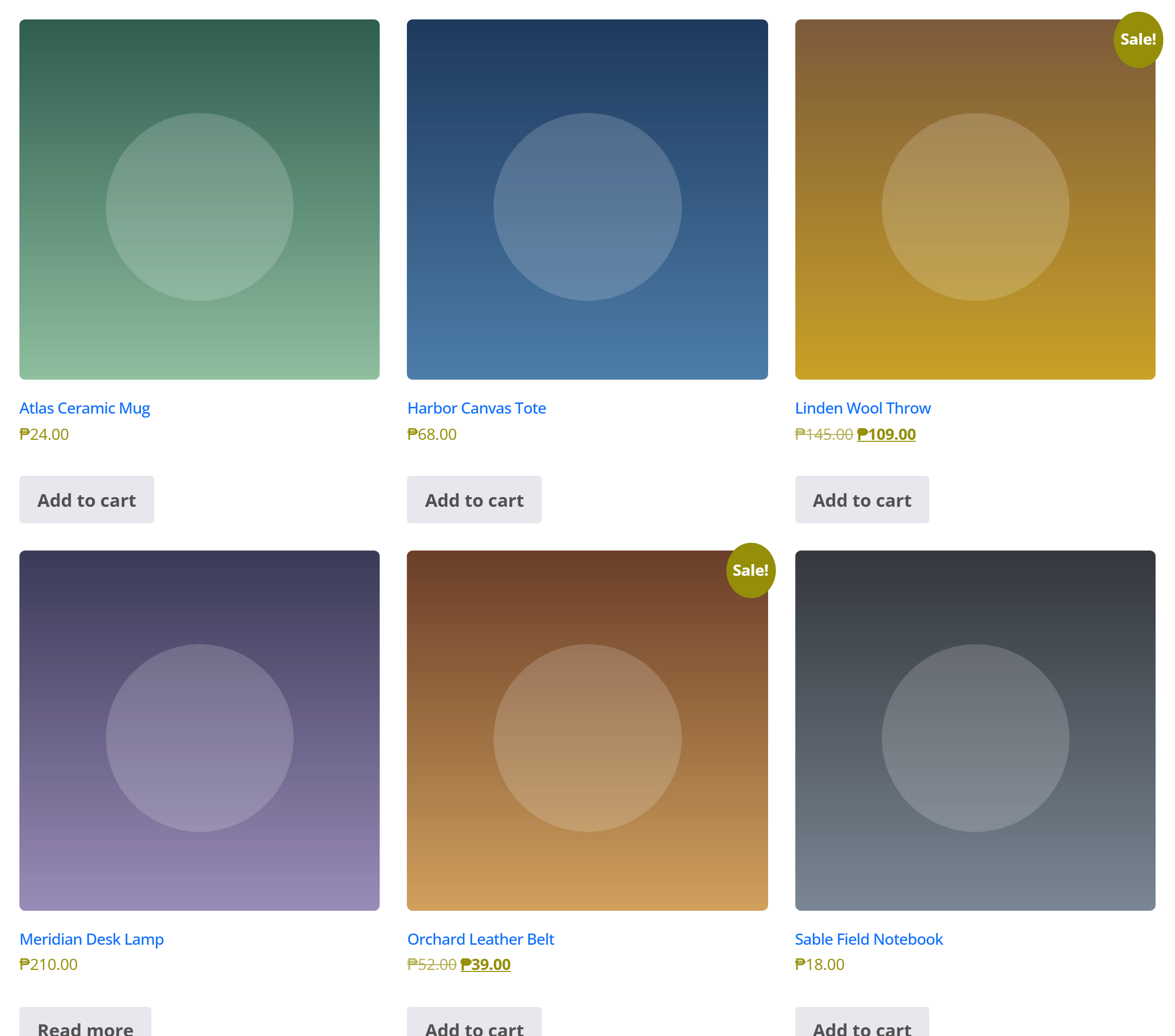
WooCommerce keeps running the store; this extension decides how it looks (grid, gallery, sidebar), how it behaves (catalog mode, AJAX cart, badges), and gives you shop blocks for the page builder so a product grid can live on any page — not just the shop archive.
In this section
| Page | What's in it |
|---|---|
| Settings | Every field on the settings page — catalog layout, single product, shop behavior |
| Catalog Mode | Turning the store into a lookbook, disabling purchasing, enquiry buttons, closing the shop |
| Shopper tools | Wishlist, compare, back-in-stock, variation swatches, sticky add-to-cart, size guide |
| Page-builder elements | The WooCommerce Elements tab — what each element is for |
| For developers | Filters, helper functions, the settings store, recipes |
Activation
- Install and activate the WooCommerce plugin.
- Enable WooCommerce under Unyson+ → Extensions.
That's it — no configuration is required to get a working shop. Every setting has a working default, so you only change what you want to differ from what WooCommerce already does.
Once both are active, a WooCommerce entry appears in the Unyson+ admin menu, and a WooCommerce Elements tab appears in the page builder.
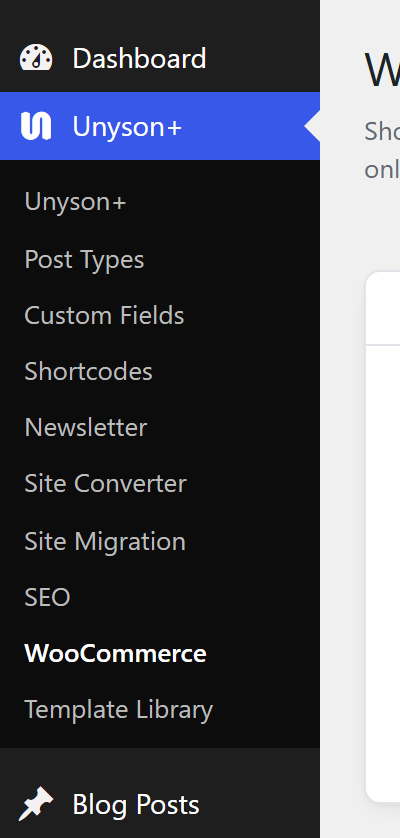
The entry only registers when the WooCommerce plugin itself is active. If you've enabled the extension but don't see the menu item, WooCommerce is either not installed or not activated — the extension will say so in an admin notice, with a one-click Install or Activate button.
With the AI Assistant
When the AI Assistant (Beta) extension is active, the AI can work on the shop:
woo-settingsandwoo-settings-update— read the settings on this extension's settings page and change them. Every value is checked against the field it belongs to before anything is saved.woo-list-productsandwoo-save-product— list products, and create or update simple products: name, description, regular and sale price, SKU (which must be unique), stock, categories, images, the product-card ribbon and the size guide. New products are drafts.
Every change can be undone. Orders, customers and payment data are never read.
What it does
Theme-aware, with a universal fallback
The extension checks whether your active theme has declared WooCommerce support itself, and then gets out of the way or steps in accordingly:
- With a WooCommerce-aware theme (e.g. the UnysonPlus Theme, which ships its own shop
wrappers, sidebar handling and styles), the extension steps aside and feeds its settings into the
theme's
unysonplus_woocommerce_*filters. The theme owns the markup. - With any other theme, the extension declares WooCommerce support itself (including the product-gallery zoom / lightbox / slider), ships a small baseline stylesheet, and drives WooCommerce's own layout filters — so the shop looks reasonable out of the box anywhere.
You don't choose between these; the extension detects which case applies at
after_setup_theme and wires the right one. See For developers for the
filter contract behind it.
One settings page
Unyson+ → WooCommerce carries three groups — Shop Catalog (grid columns, products per page, sidebar), Single Product (gallery columns, related count, zoom / lightbox / slider), and Shop Behavior (catalog mode, sale badges, AJAX cart, breadcrumb). Full field-by-field reference in Settings.
Shop elements for the page builder
While WooCommerce is active, a dedicated WooCommerce Elements tab appears in the page builder with product grids and carousels, categories, single products, cart and mini-cart, the classic commerce pages, product search and filters. See Page-builder elements for what each one is for, and the full option reference at WooCommerce Elements.
Shopper tools
A wishlist, compare, back-in-stock notifications, variation swatches, a sticky add-to-cart bar and a size guide — all off by default, each independent. See Shopper tools.
Widgets
Three classic widgets for themes with real sidebars: Mini Cart, Products and Wishlist. Each wraps the same renderer its page-builder element uses, so a widget and an element cannot drift apart.
A lookbook mode that actually closes the store
Catalog Mode hides prices and add-to-cart buttons; Disable Purchasing goes further and makes the store genuinely un-buyable, with an optional enquiry button in place of add-to-cart and a closed-shop message on the cart. That's a topic of its own — see Catalog Mode.
WooCommerce 9+ ships block-based Cart and Checkout pages by default; those blocks carry their
own styling and render cleanly inside the theme. The UnysonPlus Theme also polishes the classic
shortcode Cart / Checkout ([woocommerce_cart] / [woocommerce_checkout]) and single-product
pages — switch those pages to the classic shortcodes if you want full theme control over their
markup.