Posts
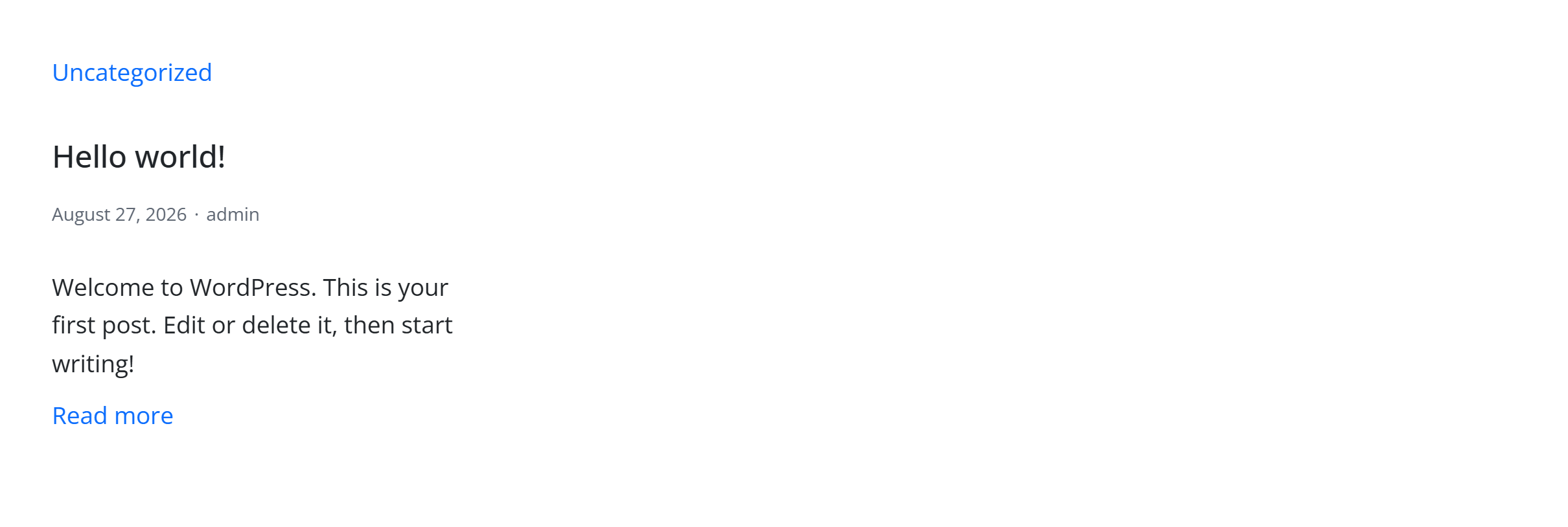
A query-driven grid or list of posts, with filters, pagination and card layouts. Like every block in the library, it is a second authoring surface, not a second renderer: the canvas preview and the front end are both produced by the posts element — the same server-side code as the page builder — so the output is identical either way.
Configure it
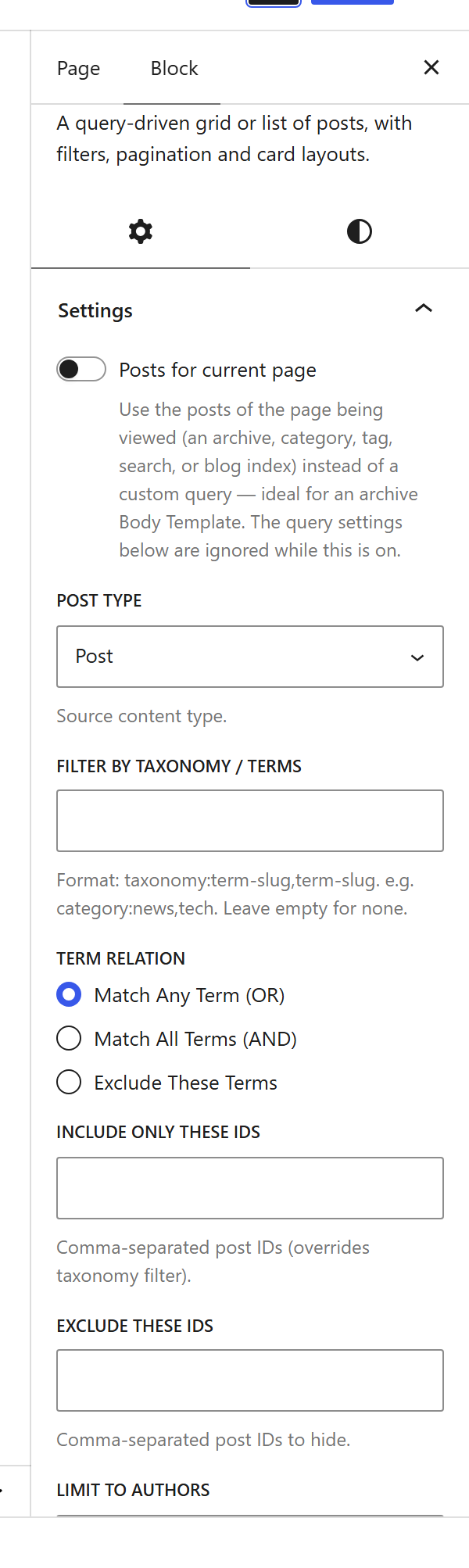
Select the block and open the Settings (block) tab. The whole sidebar is generated from the element’s option schema, so it stays in step with the page builder.
Options
| Option | What it does |
|---|---|
Query (post_type, posts_per_page, orderby, order) | Which post type, how many, and in what order. Or reuse the page’s main query with use_current_query. |
Filter (taxonomy_filter, include_ids, exclude_ids, author_ids, date_range) | Narrow the query by category/tag, specific posts, author or date. |
Layout (design, card, card_rows, image_ratio, image_style, text_align) | Grid or list, the card style, columns, and the image treatment. |
Card content (meta_items, title_tag, cat_position, excerpt_source, excerpt_length, readmore) | What each card shows — meta, category, excerpt and a read-more link. |
Pagination (pagination) + Live filters (live_filters, filters_position) | Numbered / load-more paging, and front-end category filter buttons. |
Colours (title_color, excerpt_color, meta_color, accent_color) + Font size | Per-part colour pickers and a preset size. |
The block also opts into WordPress Margin / Padding (and, where it makes sense, alignment), which inherit the site’s design system from theme.json.
Sample content
A block stores only what you change as one upOptions object; the element’s declared defaults fill in the rest at render time. The demo above is:
<!-- wp:unysonplus/posts {"upOptions":{}} /-->
The posts element
The block and the page builder’s Posts element are two doors onto the same code. Its full option, markup and behaviour reference is documented there.