Testimonials
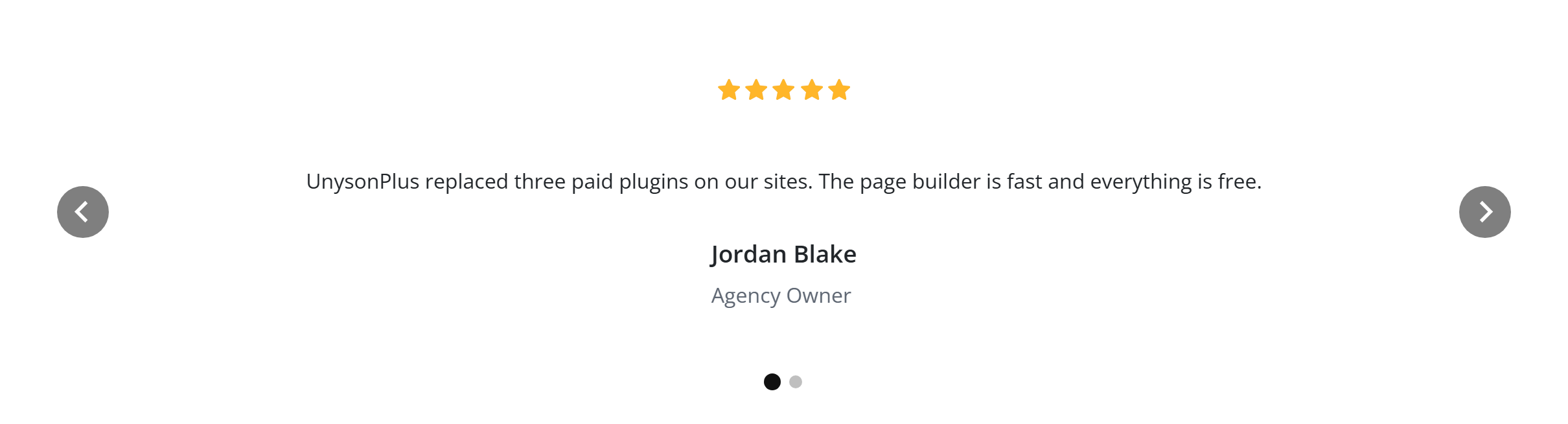
Customer quotes with avatars, ratings and an optional carousel. Like every block in the library, it is a second authoring surface, not a second renderer: the canvas preview and the front end are both produced by the testimonials element — the same server-side code as the page builder — so the output is identical either way.
Configure it
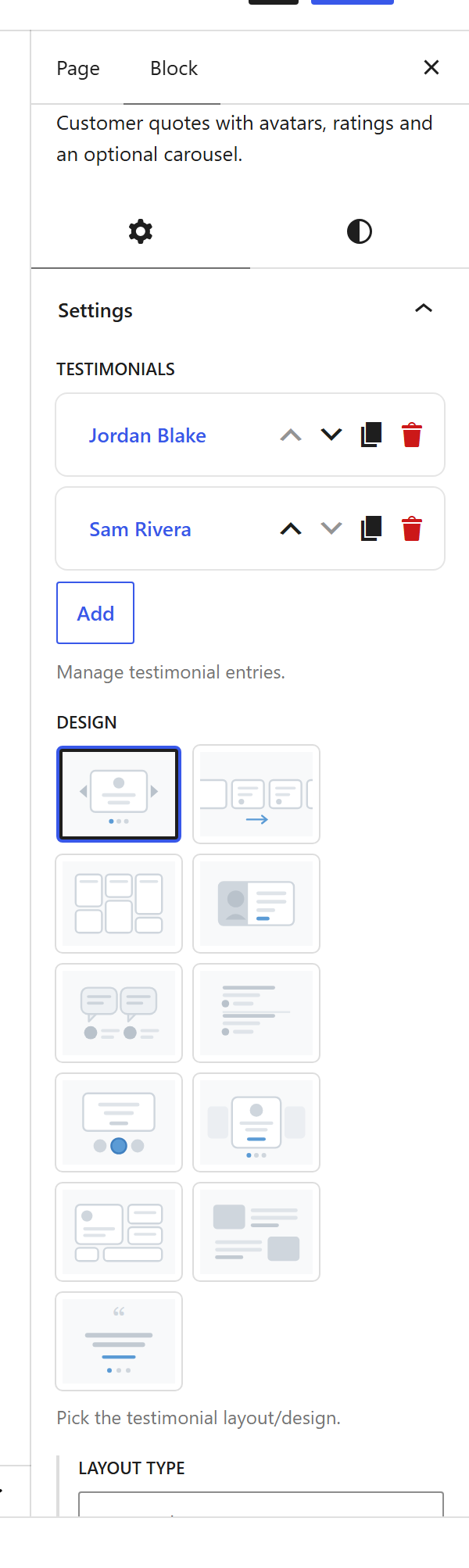
Select the block and open the Settings (block) tab. The whole sidebar is generated from the element’s option schema, so it stays in step with the page builder.
Options
| Option | What it does |
|---|---|
Testimonials (testimonials) | The quotes. Each has a Quote, an Image, Name, Job, a Site name / URL, and a Rating. |
Layout (design_settings, card_rows, container_type) | A grid of cards or a single-slide carousel, and how many per row. |
Box Style (box_style) | The card look — plain, bordered, or elevated. |
Rating (rating_symbol, rating_size, rating_fill_color, rating_empty_color) | The star (or other) symbol, size and colours. |
Avatar (avatar_shape, avatar_size) | Circle / square, and how large. |
Text align (text_align) | Left, Center, or Right inside each card. |
Review schema (reviews_schema) | Emit Review structured data for rich results. |
Colours (quote_color, author_name_color, author_job_color, bg_color) | Per-part colour pickers. |
The block also opts into WordPress alignment (Wide / Full) and Margin / Padding, which inherit the site’s design system from theme.json.
Sample content
A block stores only what you change as one upOptions object (keyed by the same paths the page builder uses); the element’s declared defaults fill in the rest at render time. The demo above is:
<!-- wp:unysonplus/testimonials {"upOptions":{"testimonials":[{"content":"UnysonPlus replaced three paid plugins on our sites…","author_name":"Jordan Blake","author_job":"Agency Owner","rating":"5"},{"content":"Converting a static HTML site into WordPress took minutes…","author_name":"Sam Rivera","author_job":"Freelance Developer","rating":"5"}]}} /-->
The testimonials element
The block and the page builder’s Testimonials element are two doors onto the same code. Its full option, markup and behaviour reference is documented there.