Products
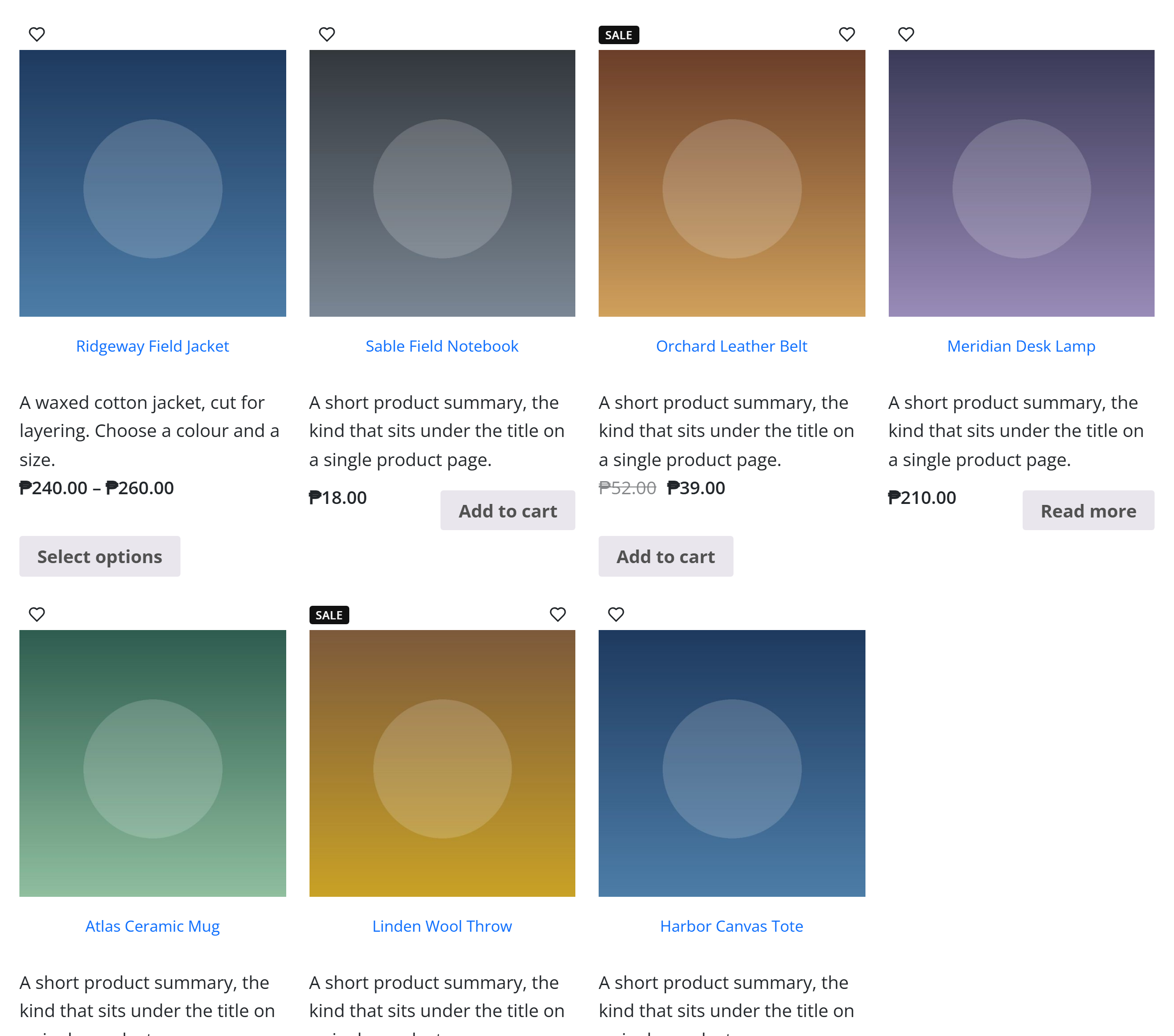
A grid or carousel of products, from a query you build. It's part of the WooCommerce integration — like every block in the library it's a second authoring surface, rendered server-side by the same code as the page builder, so the store output is identical either way.
:::note Requires WooCommerce This block renders live store data, so it only appears (and only works) when the WooCommerce plugin is active. :::
Options
| Option | What it does |
|---|---|
Which products (source, category, tags, attribute, product_ids) | Show a live query, a specific category or tag, an attribute, or hand-pick products by ID. |
Order (orderby, order, posts_per_page) | Sort by date, price, popularity, etc., and how many to show. |
Layout (layout, columns, gap, card_rows, image_ratio, box_style) | A grid or a carousel, the number of columns, and the product-card look. |
Badges (show_sale_badge, show_new_badge, show_featured_badge, show_ribbon, badge_style) | Flag products as on sale, new or featured. |
Rating (rating_symbol, rating_fill_color, rating_size) | How the star rating is drawn. |
Add to cart (add_to_cart_text) + Pagination (pagination, carousel_arrows) | The button label, and paging / carousel controls. |
The block also opts into WordPress Margin / Padding (and, where it makes sense, alignment), which inherit the site's design system from theme.json.
Sample content
The demo above uses the block's defaults on a store with sample products:
<!-- wp:unysonplus/wc-products {"upOptions":{}} /-->
WooCommerce elements
These blocks mirror the page builder's WooCommerce elements. Their full option and behaviour reference lives on the WooCommerce elements page.