WebGL Object
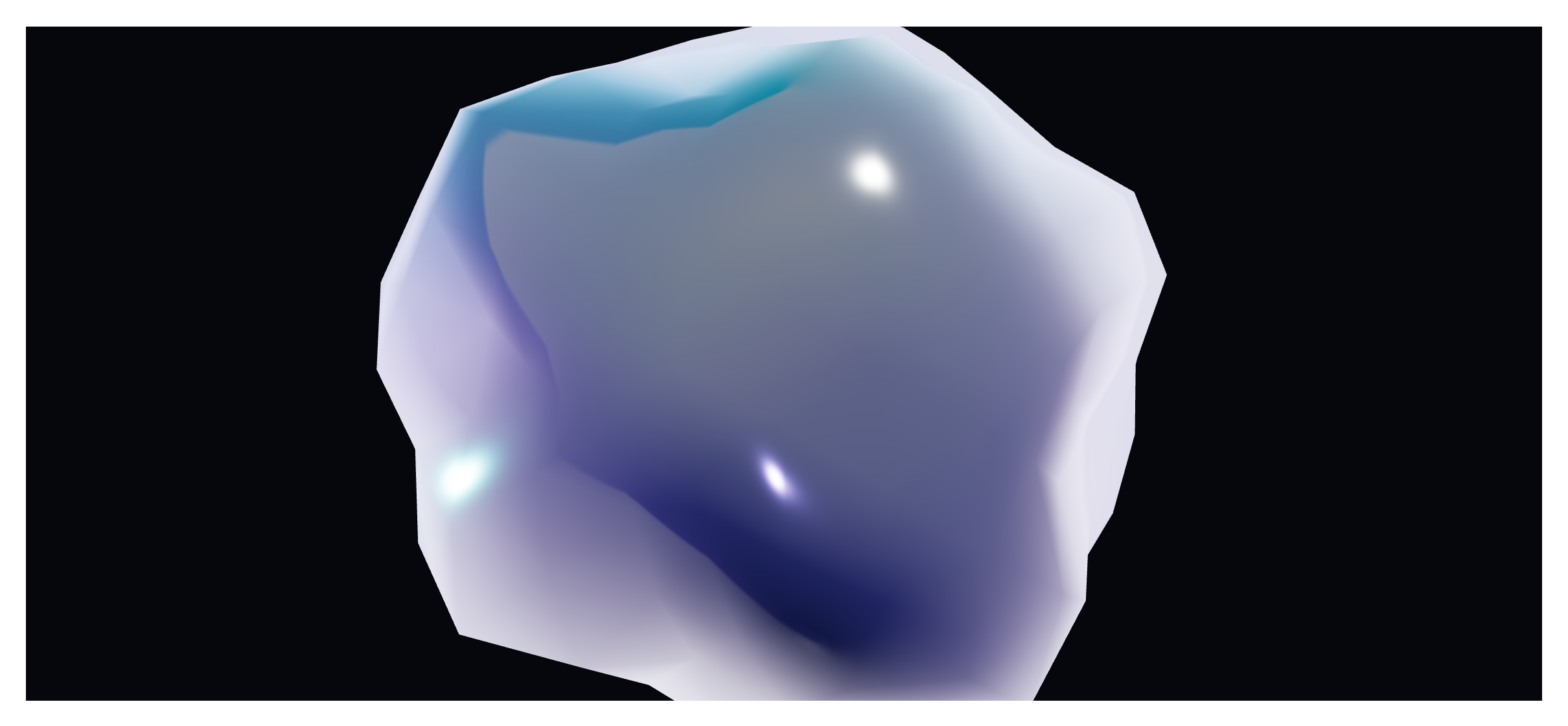
A generative WebGL visual rendered live in the browser — a glossy gradient blob, an aurora, plasma, a fluid, a particle field and more — that can drift, auto-rotate and react to the pointer. No image or model needed: it's drawn in real time on a canvas, so it stays razor-sharp at any size. Like every block in the library, it is a second authoring surface, not a second renderer: the canvas preview and the front end are both produced by the WebGL Object element — the same server-side code as the page builder — so the output is identical either way.
Options
Select the block and open the Settings (block) tab; the whole sidebar is generated from the element's option schema, so it stays in step with the page builder.
| Option | What it does |
|---|---|
Object (mode, preset, style_preset) | The kind of visual — gradient mesh, aurora, plasma, fluid, glass, sphere, particles, halftone and more. |
Appearance (color_a, color_b, metalness, roughness, iridescence, ior, grain) | The palette and material feel. |
Motion (auto_rotate, drift, flow_speed, noise_speed, blend_speed) | How it moves on its own. |
Interaction (pointer_follow, pointer_strength, repel, parallax, scroll_link) | How it reacts to the cursor and scroll. |
Performance (quality, dpr_cap, particle_count) | Cap the resolution and detail so it stays smooth on weaker devices. |
Background (background, bg_color, transparent) | A solid, transparent, or gradient ground. |
The block also opts into WordPress Margin / Padding (and, where it makes sense, alignment), which inherit the site's design system from theme.json.
:::note Part of the Animation Engine The WebGL Object is an Animation Engine element. Activate the Animation Engine extension to use it. It provides a static poster fallback where WebGL is unavailable. :::
Sample content
A block stores only what you change as one upOptions object; the element's declared defaults fill in the rest at render time. The demo above is an aurora-style object:
<!-- wp:unysonplus/webgl-object {"upOptions":{"mode":"aurora","color_a":"#4f46e5","color_b":"#06b6d4","auto_rotate":"yes"}} /-->
The WebGL Object element
The block and the page builder's WebGL Object element are two doors onto the same code. Its full option, markup and behaviour reference is documented there.