Widget Area
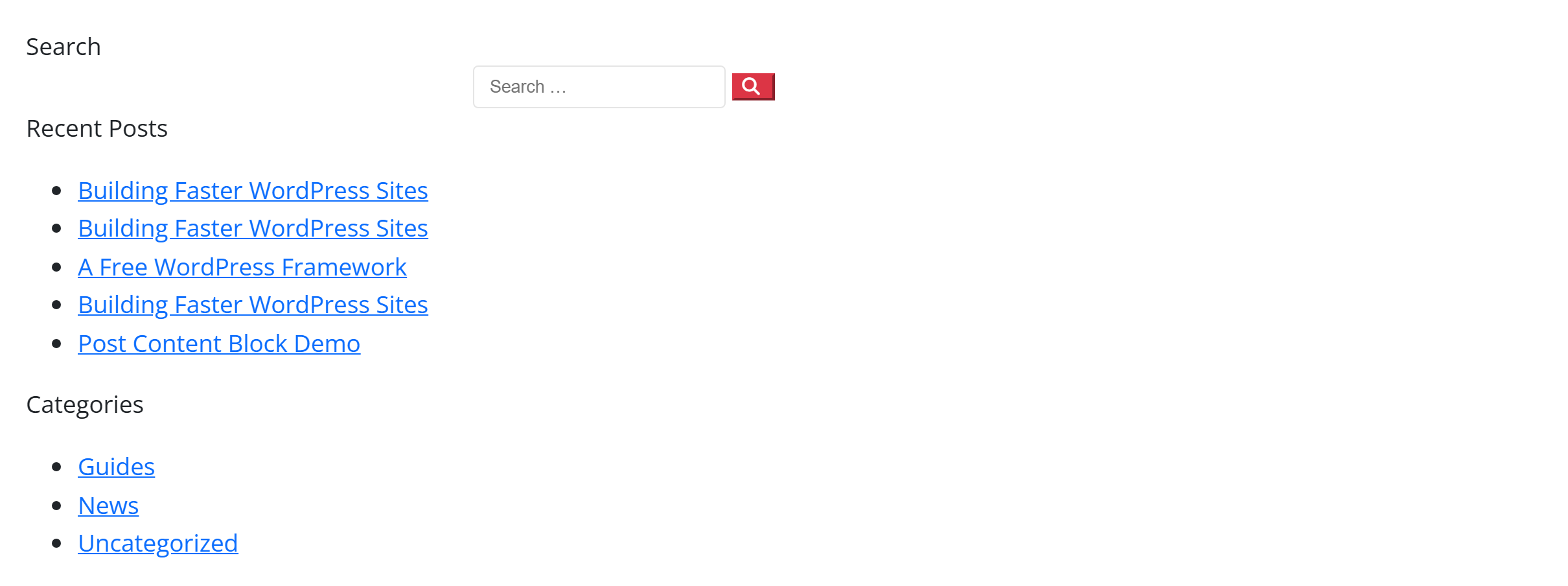
Renders a registered WordPress widget area (a "sidebar") anywhere on the page — search, recent posts, categories, or any widgets you've placed under Appearance → Widgets. Handy for dropping a sidebar into a page body, a footer column, or beside content. Like every block in the library, it is a second authoring surface, not a second renderer: the canvas preview and the front end are both produced by the Widget Area element — the same server-side code as the page builder — so the output is identical either way.
Options
Select the block and open the Settings (block) tab; the whole sidebar is generated from the element's option schema, so it stays in step with the page builder.
| Option | What it does |
|---|---|
Sidebar (sidebar) | Which registered widget area to render. |
Title (title, title_extra) | An optional heading above the widgets. |
Colours (bg_color, text_color) + Font size (font_size_preset) | Panel background, text colour and type scale. |
The block also opts into WordPress Margin / Padding (and, where it makes sense, alignment), which inherit the site's design system from theme.json.
:::note Needs a widget area with widgets This block renders a registered sidebar, so it shows only when that sidebar has widgets in it (an empty sidebar is inactive and renders nothing). Add widgets under Appearance → Widgets first. :::
Sample content
A block stores only what you change as one upOptions object; the element's declared defaults fill in the rest at render time. The demo above renders a sidebar with a light panel background:
<!-- wp:unysonplus/widget-area {"upOptions":{"sidebar":"sidebar-right","title":"Sidebar","bg_color":"#f8fafc"}} /-->
The widget-area element
The block and the page builder's Widget Area element are two doors onto the same code. Its full option, markup and behaviour reference is documented there.