Import and export
Bring your contacts in from a spreadsheet or another CRM, and take them out again whenever you like. Imports are checked before anything is saved, run in the background, and can be undone.
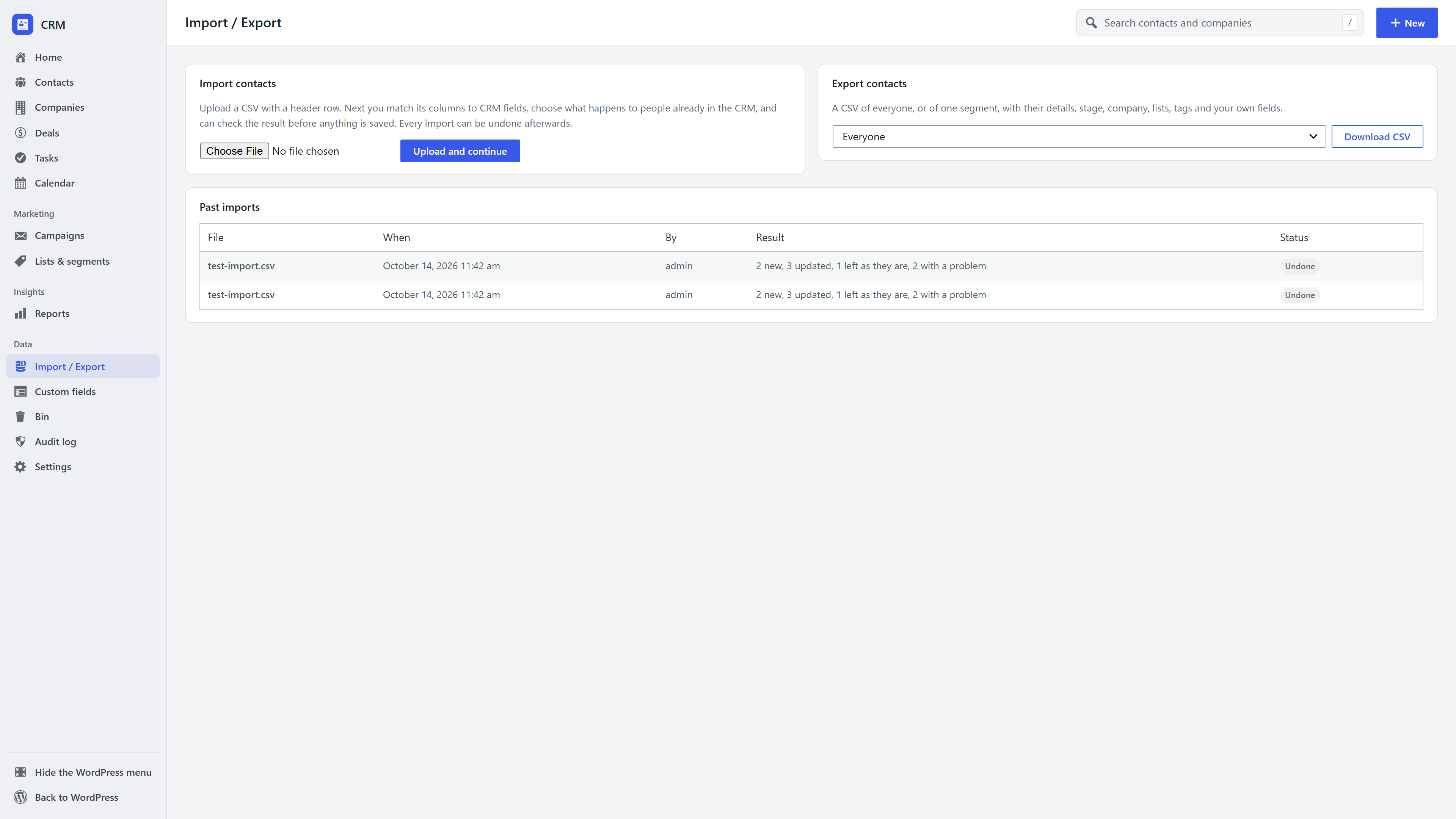
Import contacts from a CSV file
- Open CRM → Import / Export and upload a CSV file (a spreadsheet saved as CSV, with a header row).
- Map the columns. Each column is matched to a CRM field from its header: full name or first and last name, email, phone, job title, company (by name, created if new), lifecycle stage, address, lists, tags and every custom field. Change anything it guessed wrong. The mapping is remembered for the next file with the same columns.
- Choose what happens to existing contacts. A row matches an existing contact by email, or by phone when there is no email. Choose to fill in empty details only, update them, or skip existing contacts.
- Add everyone to lists or tags if you like.
- Check first. A dry run reads the whole file without saving and reports how many contacts would be created, updated and skipped, and why any row would be skipped.
- Import. The import runs in chunks and carries on in the background if you close the tab.
Consent and imports
Nobody imported is subscribed to your emails unless you confirm that everyone in the file agreed. If you do, that confirmation is recorded in each person's consent log. People who unsubscribed or left a list are not put back unless you explicitly choose to.
Undo an import
Every import appears under Past imports. Undo removes the contacts it created, puts back the details it changed, and removes the lists, tags, consent records and company links it added.
Export contacts
On Import / Export, export everyone or a segment. On the contacts list, Export downloads exactly what the current filter shows. The file includes name, email, phone, job title, company, stage, owner, address, lists, tags and custom fields, and its headers import back cleanly.
Frequently asked questions
How big a file can I import? Large files are fine: the import works through the file in small chunks, so it never hits your host's time limit.
Can I move from another CRM? Yes. Export your contacts from it as CSV and map the columns here. Custom fields you need should be added first, so they appear in the mapping.
What if I import the wrong file? Undo it from Past imports.