Custom Fields
An ACF-style custom fields builder for Unyson+. Create Field Groups, choose which post types they appear on, and add fields. Fields render as native meta boxes and save to post meta, no code to register them.
Field types
Each field in a group has a label, a name (its meta key), an optional instruction, and a type:
| Group | Types |
|---|---|
| Text | Text, Text Area, WYSIWYG Editor, URL, Email, Code / HTML, plus width variants (medium, short) |
| Numbers | Number, Slider, Range (from - to), Measurement (value + unit) |
| Media | Image, File, Gallery, Embed (video / media URL), Icon |
| Choice | Select, Radio, Image choice (visual radio), Checkbox, Checkboxes, Switch |
| Relationships | Related posts, Taxonomy terms, Users |
| Date & time | Date, Date & time, Time, Date range |
| Color | Color, Color (theme preset), Color with transparency |
| Location | Location (map) |
| Repeating | List (a repeating single value), Repeater (rows of sub-fields), Repeater with rows edited in a popup |
Relationship fields
Related posts, Taxonomy terms and Users give you an AJAX-searched picker: start typing and
select. Per field you choose which post types / taxonomies / roles can be picked and a maximum number
of items — set that to 1 for a single relationship. The saved value is an array of IDs, so a
single relationship is $ids[0].
This is how you link content together: a Property to its Agent, a Case Study to related Case Studies, a Team Member to their WordPress user account.
Leaving the source empty means "anything of that kind" rather than "nothing", so a Related posts field with no post types set can pick any post type.
Embeds, icons and maps
Embed takes a YouTube, Vimeo, Spotify or Twitter URL and previews it in the editor — render it on
the front end with wp_oembed_get(). Icon opens the same icon picker (and icon packs) the rest of
the builder uses. Location is a map picker that saves latitude and longitude together.
The map field needs a Google Maps API key. Without one it falls back to a plain text input and says so, rather than rendering an empty grey box.
Color (theme preset)
Alongside the plain Color picker there is Color (theme preset), which offers your Theme
Settings color presets with a custom-color fallback on the same row. Prefer it whenever the color
should track the site's palette rather than being a one-off hex — the value is
{ predefined, custom }, where a preset resolves to var(--color-{slug}).
Repeater fields
A Repeater holds a repeating row of sub-fields. You define the sub-fields with a simple
name | Label | type line list (types: text, textarea, wysiwyg, number, url, email, image, file,
gallery, oembed, icon, color, date, datetime, time, switch, checkbox). On the edit screen it renders
as an addable list of rows; the saved value is an array of rows, each keyed by sub-field name, which
you loop over with fw_get_field().
Two variants exist: the default edits rows inline, while Repeater (rows edited in a popup) opens each row in a modal — the better choice once a row has more than a few sub-fields.
For a simple repeating single value — a list of features, ingredients or bullet points — use List instead. It saves a plain array of strings with no sub-field setup at all.
Group settings
A field group is more than a list of fields. Per group you can set:
- Show on post types — which post types display the group (the primary target).
- Location refinements — narrow further by Page templates and/or Post statuses; the group only applies when the edited post matches.
- Meta-box position, a Description (rendered as a note atop the box), and a Display title (overrides the box heading).
- Active (inactive groups are skipped) and Order (lower numbers render first when several groups apply).
- Hide on screen — remove core meta boxes (Excerpt, Discussion, Comments, Revisions, Slug, Author, Format, Page Attributes, Featured Image, Categories, Tags, …) from the target edit screen.
- Show in REST API — expose the group's values under
unysonplus_fieldson the targeted post types.
Import / Export
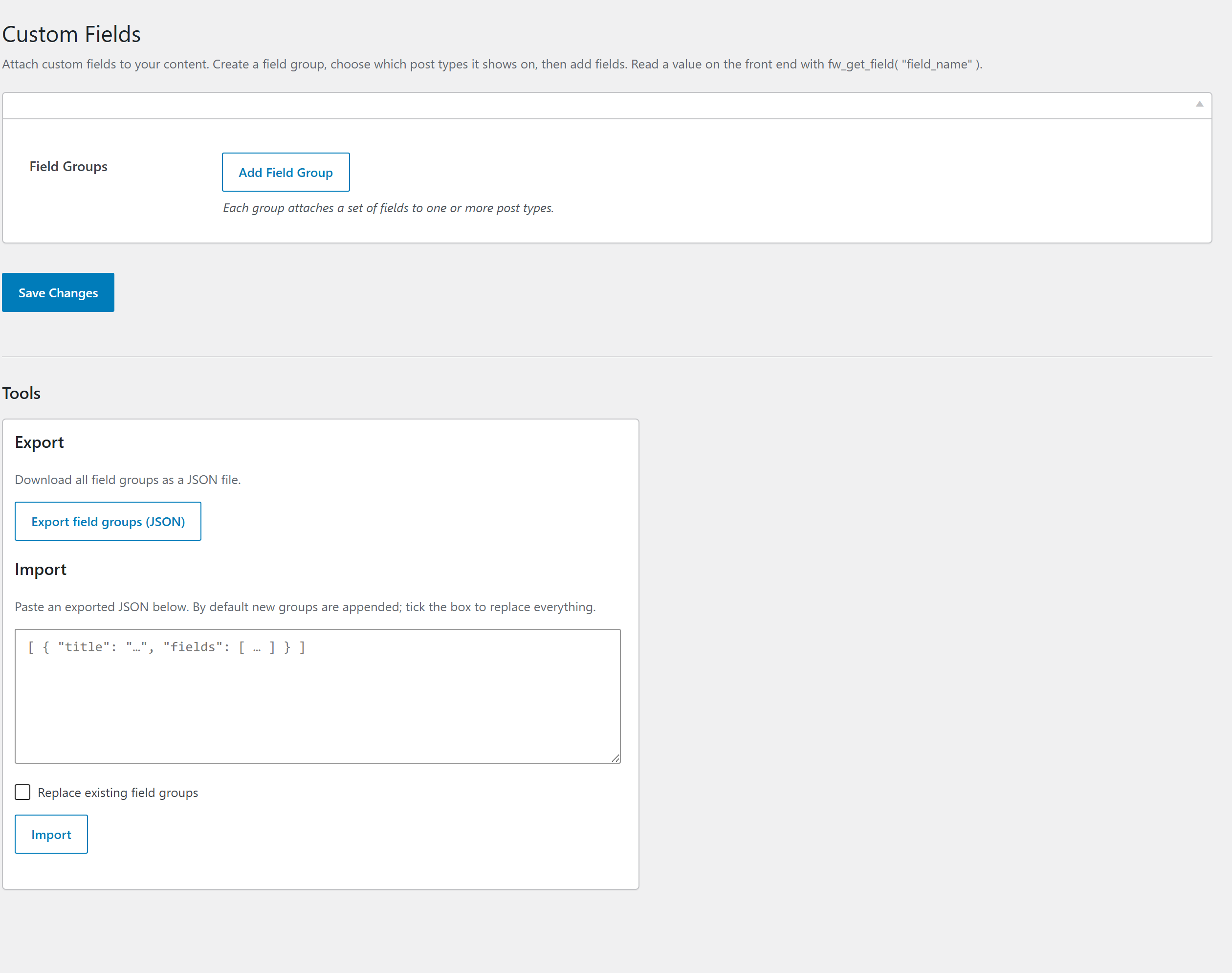
All field groups can be exported as JSON and imported on another site (Tools section, import appends or replaces), so a field setup is portable.
Reading values on the front end
<?php
// Read a field saved by a Custom Fields group
$subtitle = fw_get_field( 'subtitle' );

if ( $subtitle ) {
    echo '<p class="subtitle">' . esc_html( $subtitle ) . '</p>';
}
Typical workflow
- Activate Custom Fields from Unyson+ → Extensions.
- Create a Field Group and pick the post types/locations it shows on.
- Add fields and save.
- Edit a post — the fields appear as a meta box.
- Output the values in your templates with
fw_get_field( 'name' ).
fw_get_field() takes the field name, an optional post ID, and an optional default:
fw_get_field( $name, $post_id = null, $default = null ). For a repeater, it returns an array of
rows you loop over.