Bulk editing in a spreadsheet
Under Unyson+ → SEO → Import, below the plugin importer: Export CSV writes every page to a spreadsheet, and the same file imports back.
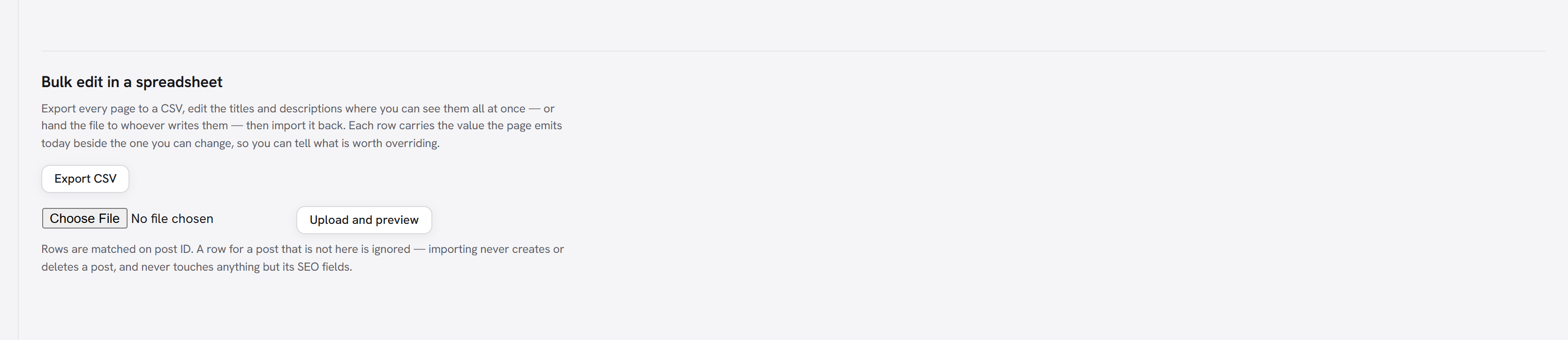
This is a different job from importing from another plugin. That one brings someone else's data in once. This round-trips your own, so three hundred descriptions can be written where you can see them all at once — sorted, filtered, with a formula — or handed to whoever actually writes them, who will never log in to do it one page at a time.
What the sheet contains
Each row carries the value the page emits today as a read-only column, right beside the one you can change:
| Column | |
|---|---|
| ID, Type, Status, URL | Read-only. The ID is how rows are matched. |
| Current title, Current description | Read-only. What the page emits now. |
| SEO title, Meta description, Canonical URL | Editable. |
| No index, No follow | Editable. 1 or 0 — yes and true are understood too. |
| Share title, Share description, Share image URL | Editable. |
The read-only columns are the point. Without seeing what a page already produces you cannot tell which rows are worth touching, and you end up overriding pages that were perfectly fine.
What importing will never do
An import writes across the whole site at once, so it is deliberately fenced:
- Rows match on post ID, and nothing else. Titles repeat and slugs change; matching on either would eventually write one page's description onto another.
- It writes SEO fields only. It never creates a post, never deletes one, and never touches content, title, status, dates or categories. A CSV is a list of edits, not a description of what the site should contain.
- A row for a post that isn't here is ignored and reported. It is never a reason to create anything.
- A post the file doesn't mention is not visited at all. Leaving a page out of the sheet changes nothing about it.
- Only the columns in the file are considered. A hand-built sheet with just
IDandMeta descriptionedits descriptions and leaves every other field alone. - Nothing is written until you confirm. Uploading shows a preview first — how many pages would change, how many values, which columns, and how many rows refer to posts that aren't here.
Within a column that is in the file, an empty cell clears that override and puts the page back on its template — the same meaning "empty" has everywhere else here. Because the export writes your current override into the cell, exporting and re-importing unchanged does nothing at all. Clears are counted separately in the preview, so they are never silent.
Two details that usually break CSV
Both are handled, and both are worth knowing about:
- The file is UTF-8 with a BOM. Without it a spreadsheet reads it as the system codepage and mangles every accented character.
- Values starting
=,+,-or@are escaped. Those make a cell a formula, so a description beginning with a dash could otherwise run code on the machine of whoever opens the file. The escape is invisible and is removed on the way back in.