Search volumes
Topic momentum says which way interest is moving. This says roughly how much of it there is. Using the same key as Backlinks, the How much it is searched section of SEO → Topic momentum shows real search counts from Bing.
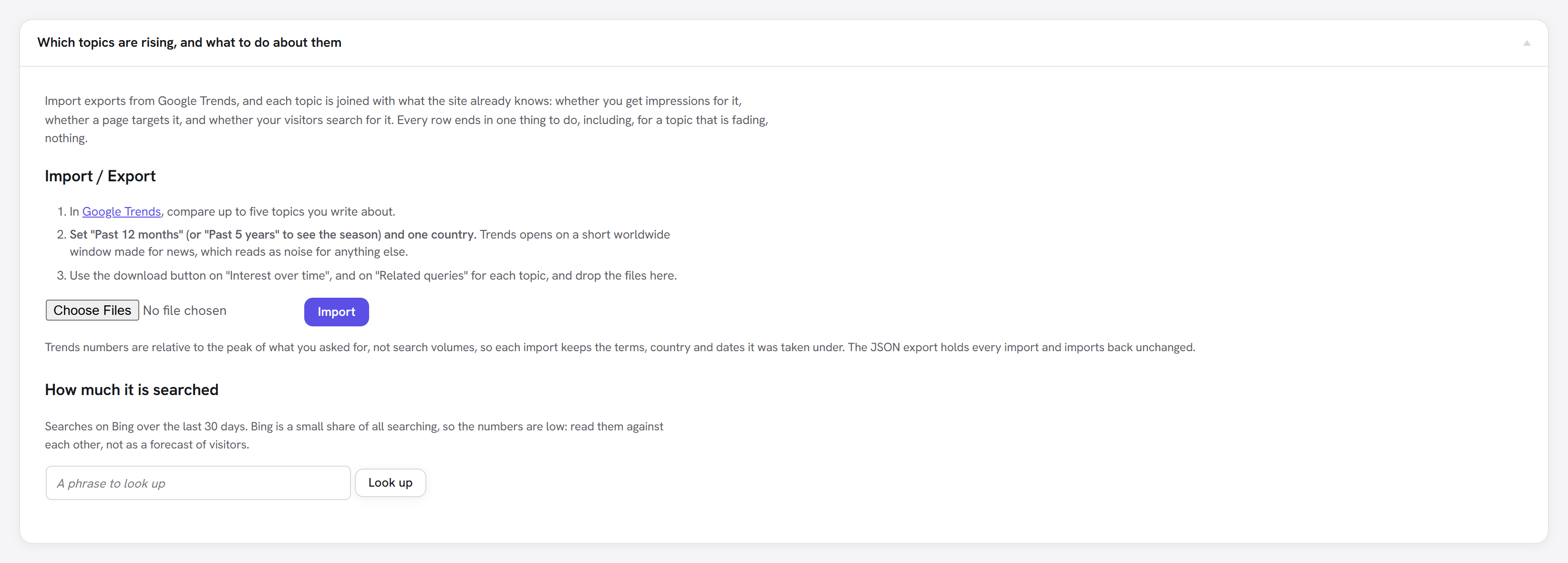
Looking up a phrase
Type a phrase and press Look up. The table shows the phrase and up to 20 related phrases, most searched first, with two counts for the last 30 days:
| Column | Counts |
|---|---|
| Searches, this exact phrase | Searches for exactly this phrase. |
| Searches containing it | Searches with this phrase inside a longer one. |
The result is shown once. It is not stored.
Figures beside your topics
If you have imported Trends data, Look up every topic below fetches the first 30 topics and fills the Bing searches column of the momentum table, using the containing it figure. Those figures are kept until you look them up again.
Which country
The figures are for one market. Set Country for search volumes (us, gb…) and Language for search
volumes (en-US, en-GB…) under SEO → Backlinks. Left empty, they follow the site's language setting.
How to read the numbers
Bing is a small share of all searching, so the figures are low, and they say nothing about Google directly. What they do well is rank phrases against each other: a phrase searched far more on Bing is usually the bigger one elsewhere too. They are real counts, not an estimate, but they are not a forecast of visitors.
A phrase Bing has too little data for shows no figures, which is common for very specific phrases.