Image Scroll Choreography
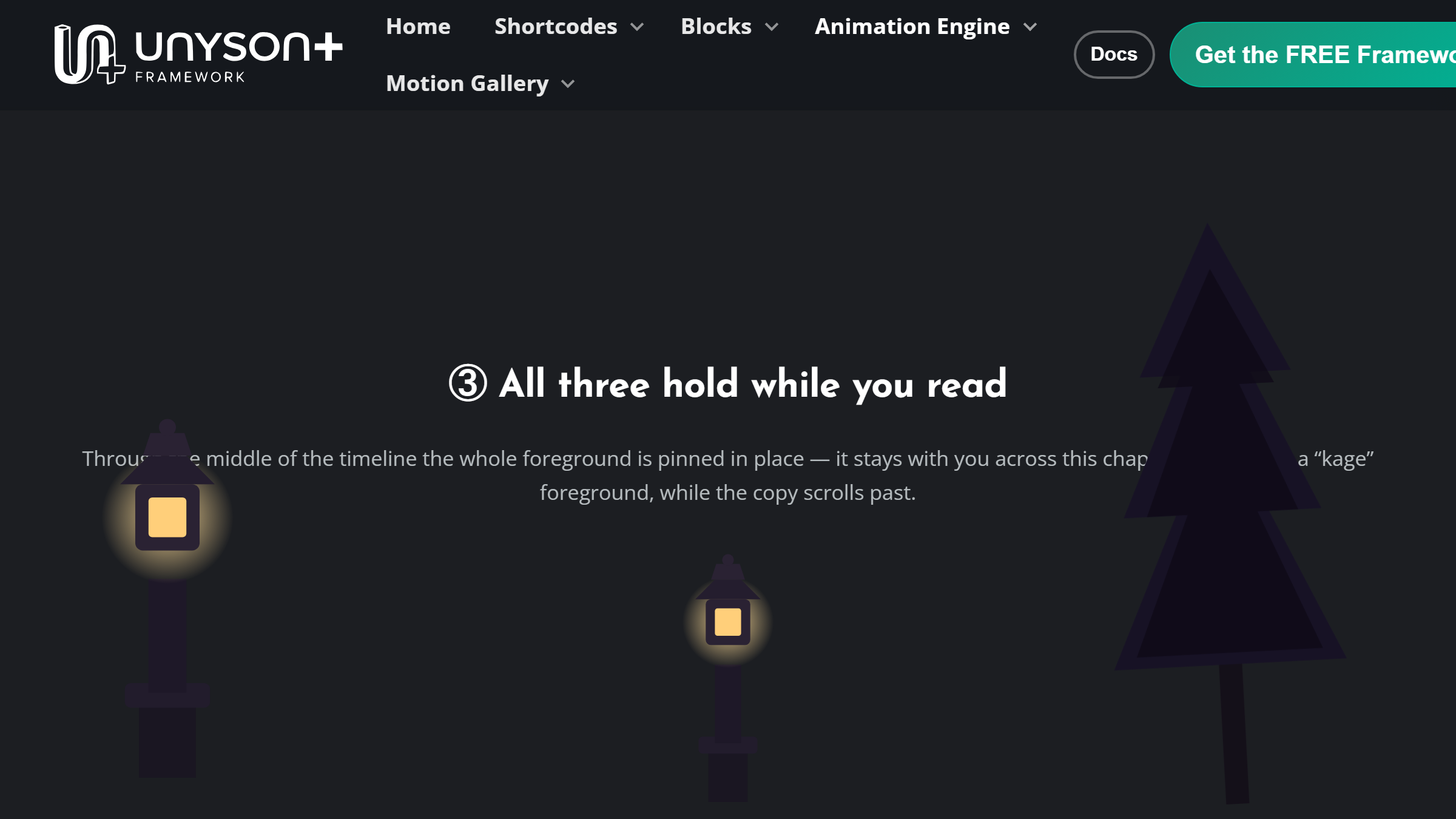
Pin foreground images to the screen and choreograph each one to the page scroll — it appears (from below / a side / a fade), holds on its corner while the visitor scrolls a whole "chapter", then exits, all at the scroll % you choose. Several images share one scroll timeline (a "kage"-style foreground group), each anchored to a corner, pinned in a fixed layer your sections scroll underneath. Its typographic sibling is Text Scroll Choreography, and they share the same pose engine.
Tabs: Images, Scene, Advanced. Lives under the Animation Engine tab in the page builder.
A whole chapter choreographed to scroll position is a lot of movement, and some visitors have told their operating system they'd rather not see large parallax-style effects — that's what the prefers-reduced-motion media feature is for, and good sites read it before adding this kind of motion. UnysonPlus's Animation Engine already checks it for you, easing back the choreography instead of forcing it on everyone. MDN: prefers-reduced-motion
The images float over your page, so cut-out subjects on a transparent background look best. The whole foreground is a click-through layer, so it never blocks the content beneath it.
How it works
Place the element where the sequence should start, then put your "chapter" sections right after it — the element is a zero-height anchor and its images sit in a fixed layer your sections scroll under. Scroll length (screens) is the runway; every image's Appear / Hold / Exit scroll % (0–100) maps onto it.
Images tab
Recipe — one-click composition
At the top of the tab, a Recipe picker turns the whole thing into one click: choose a ready-made composition, add your images, and the recipe poses and staggers every image for you — spreading their appear / hold / exit across the whole scroll automatically, for any number of images. The recipes are Parallax Rise, Corner Peek-a-boo, Zoom Focus, Diagonal Sweep and Alternating Sides. Your own images (and inset / z-index / flip) are kept. Leave it on Custom to hand-author each image with the controls below.
Add one image per layer. Each has:
| Group | Options |
|---|---|
| Placement | Anchor (nine corners), Width (% of screen), Edge inset (%), Stacking (z-index), Flip horizontally. |
| Choreography | Appear by + Appear at (scroll %), Entrance length (%), Hold until (scroll %), Exit by + Gone by (scroll %), Hold size (%), Tilt while held (°). |
Appear by / Exit by are directions (slide up / down / from a side), a fade, or a scale — and Exit can be Stay to the end. The image slides from off its mark, holds fully-opaque on its anchor, then leaves. (A recipe fills all of these in for you.)
Scene tab
| Option | What it does |
|---|---|
| Foreground layer (z-index) | Stacking of the whole pinned foreground vs your sections. |
| Scroll length (screens) | How many screen-heights the choreography spans. |
| Scroll smoothing | 0 = frame-perfect; higher adds glide. |
| Show choreography guide | On-page authoring aid (markers + a live readout of scroll % and each image's state). Turn it off before publishing. |
Live editor (in the guide)
With the guide on, signed-in editors get an Edit (✎) button on the guide HUD — a live editor that lets you scrub the scroll, retime keyframes on a per-layer track, tweak every value by eye, then Copy keys and paste them into the Custom keyframes field (Advanced tab) to lock the composition in.
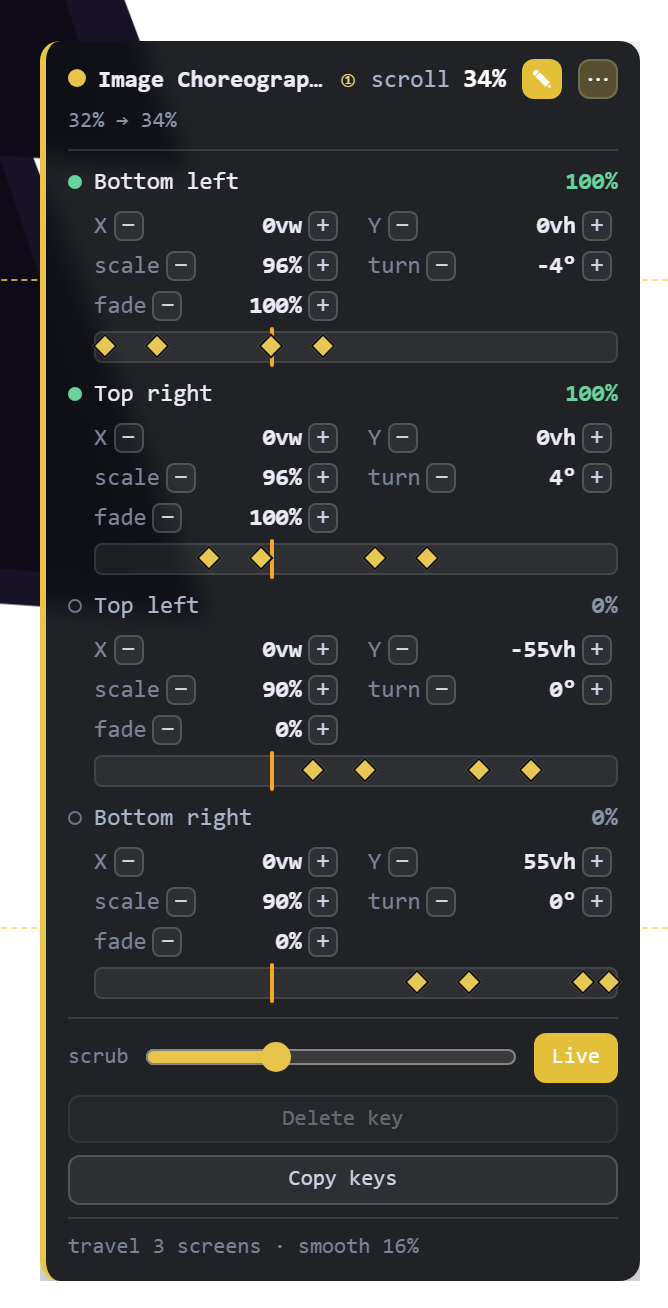
→ Full walkthrough with screenshots: Live Editor & Keyframe Timeline.
It's author-only (it rides on the logged-in-only guide) and never affects what visitors see.
Advanced tab
- CSS ID, CSS Class (target images with
.your-class .fw-choreo__layer), and scoped Custom CSS (selector= the scene). - Custom keyframes (from the live editor) — paste the JSON from the editor's Copy keys to drive the images from exact keyframes, overriding the Recipe and each image's Appear / Hold / Exit. One entry per image, in order; leave empty to use the settings. See the Live Editor guide.
Accessibility & performance
Honours prefers-reduced-motion (rests each image on its held pose). The pose engine is self-contained (no GSAP). The fixed layer is click-through.
Live demo
→ See it in the Animation Engine demos — the fixed-layer image scroll choreography, running live.