Rive Animation
Drop a real Rive animation onto any page — interactive vector graphics that react to hover, click, scroll or view at 60fps, in a file that's usually a few KB. Not a video, not a GIF: a live animation with a State Machine you design in the Rive editor.
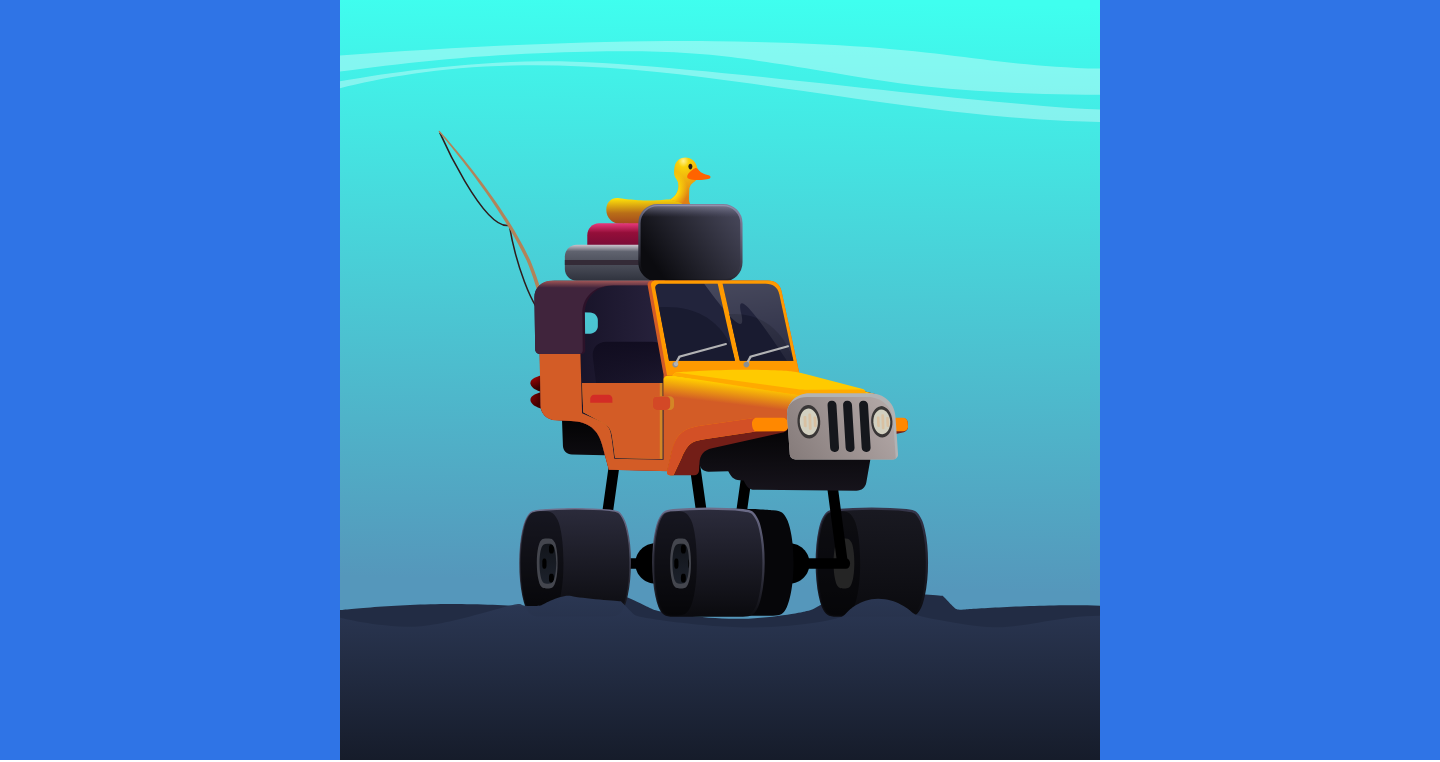
Rendered on a canvas (no WebGL required), loaded only on pages that use it, and safe by default: it falls back to a poster (or the first frame) when the runtime can't load or the visitor has reduce motion on.
Animation tab
| Option | What it does |
|---|---|
| Rive file (.riv) | Upload or pick a .riv from the Media Library (export one from rive.app). .riv uploads are enabled by the engine. |
| …or a .riv URL | Paste a direct .riv URL instead (takes priority over the upload). |
| State Machine | The State Machine to run — recommended, since it's what makes Rive interactive (hover / click responses you design in Rive). Copy the name exactly. |
| Animation | Used only when no State Machine is set — a specific timeline to play (empty = the file's default). |
| Artboard | Optional — a specific artboard by name. |
| Click fires trigger | Optional — the name of a State Machine Trigger input to fire on click (a "bump", a button press…). For files whose State Machine doesn't carry its own pointer listeners. |
| Plays | Autoplay (pauses off-screen) · On view · On hover · On click · Scroll-scrub. |
| Scroll input (scroll-scrub) | The name of a Number input in your State Machine — the scroll position (0–100) is written to it, so you design the SM to blend on that input as the visitor scrolls. |
State Machines that carry their own pointer listeners react to hover/click automatically. For a State Machine that only exposes a trigger input, use Click fires trigger to fire it on click.
Style tab
Fit (contain / cover / fill / fit-width / fit-height / none), Alignment, Height, and a Background (transparent by default — Rive files usually are).
Advanced tab
A fallback poster (shown if the runtime can't load, and as the still image under reduce motion), plus CSS ID / Class / Custom CSS.
Performance & accessibility
- Canvas-rendered — no WebGL needed; runs where 2D canvas runs.
- Respects reduced motion — a visitor with reduce motion set gets the poster (or a single static frame), never the animation.
- Pauses off-screen and when the tab is hidden; the runtime + WASM load only on pages that use the element and are shared across every Rive element on the page.
- Real content stays in the page; the animation is an enhancement layer.
Live demo
→ See it in the Animation Engine demos — an interactive State-Machine car, plus play-on-hover and play-on-view examples.
Steps
- Add a Rive element (builder palette → Animation Engine).
- On the Animation tab, upload your
.riv; for interactivity, enter the State Machine name exactly as it appears in Rive. - Choose how it Plays — Autoplay, On view, On hover, On click, or Scroll-scrub.
- On Style set the Fit, height and background; on Advanced add a fallback poster. Save.