Form Styles
Theme Settings → Components → Form Styles is a library of reusable looks for form fields: fill,
border, corners, height, focus ring, label style and the colours of placeholders, help text, errors and
ticked choices. Each preset produces a .formp-{slug} class you pick on a
Contact Form (Style → Form Style). Edit a preset here and every
form using it changes, so the forms on a site always match.
The tab is added by the Forms extension and appears only while Forms is active. The submit button is not part of a form style: it keeps using your Button presets.
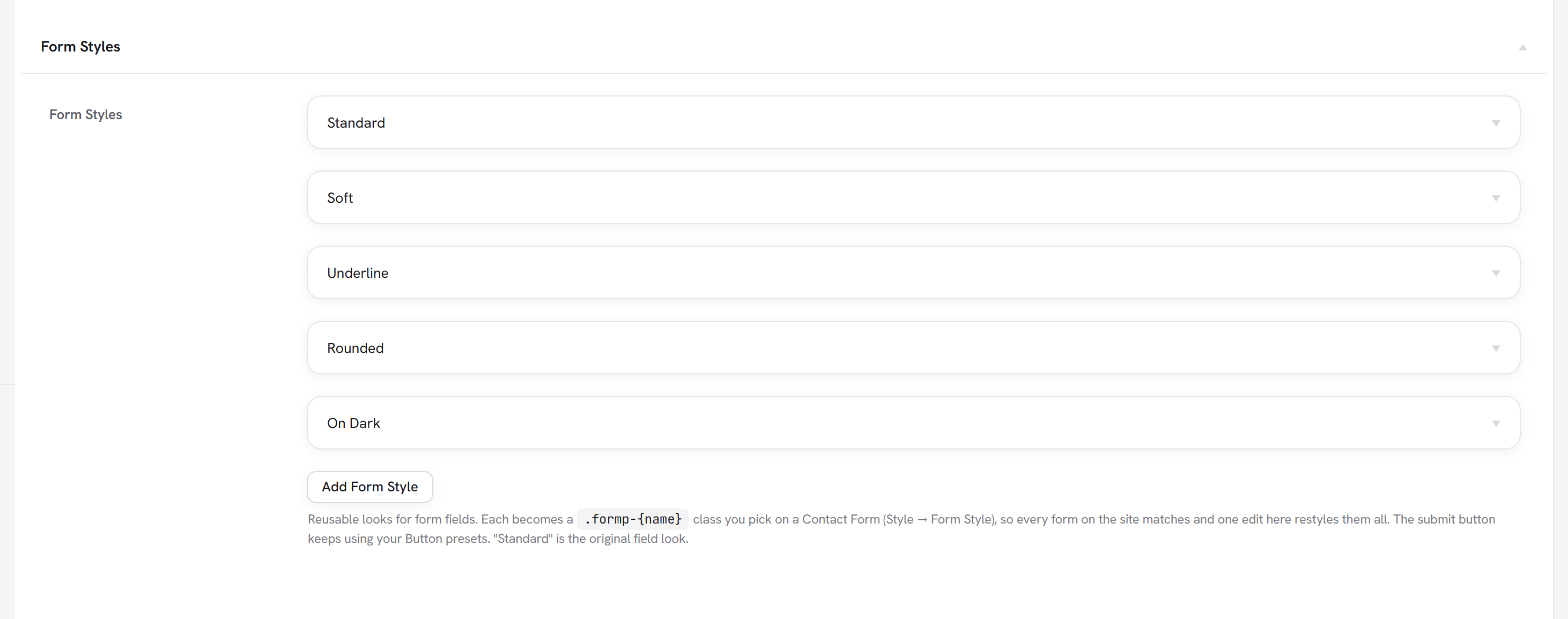
The shipped presets
| Preset | Looks like |
|---|---|
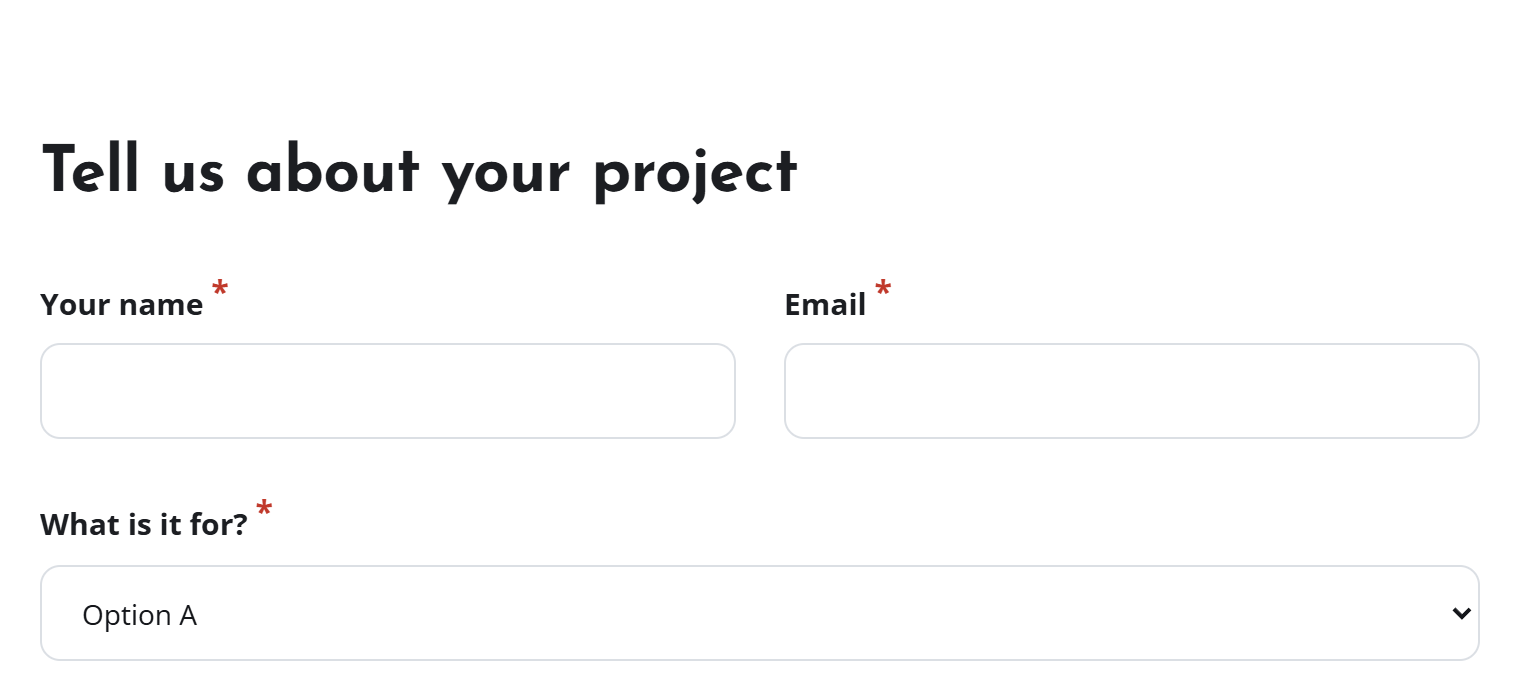
| Standard | The original field look: white fields, a light grey border, 10px corners. Every Contact Form uses it unless you choose another, so existing forms look exactly as before. |
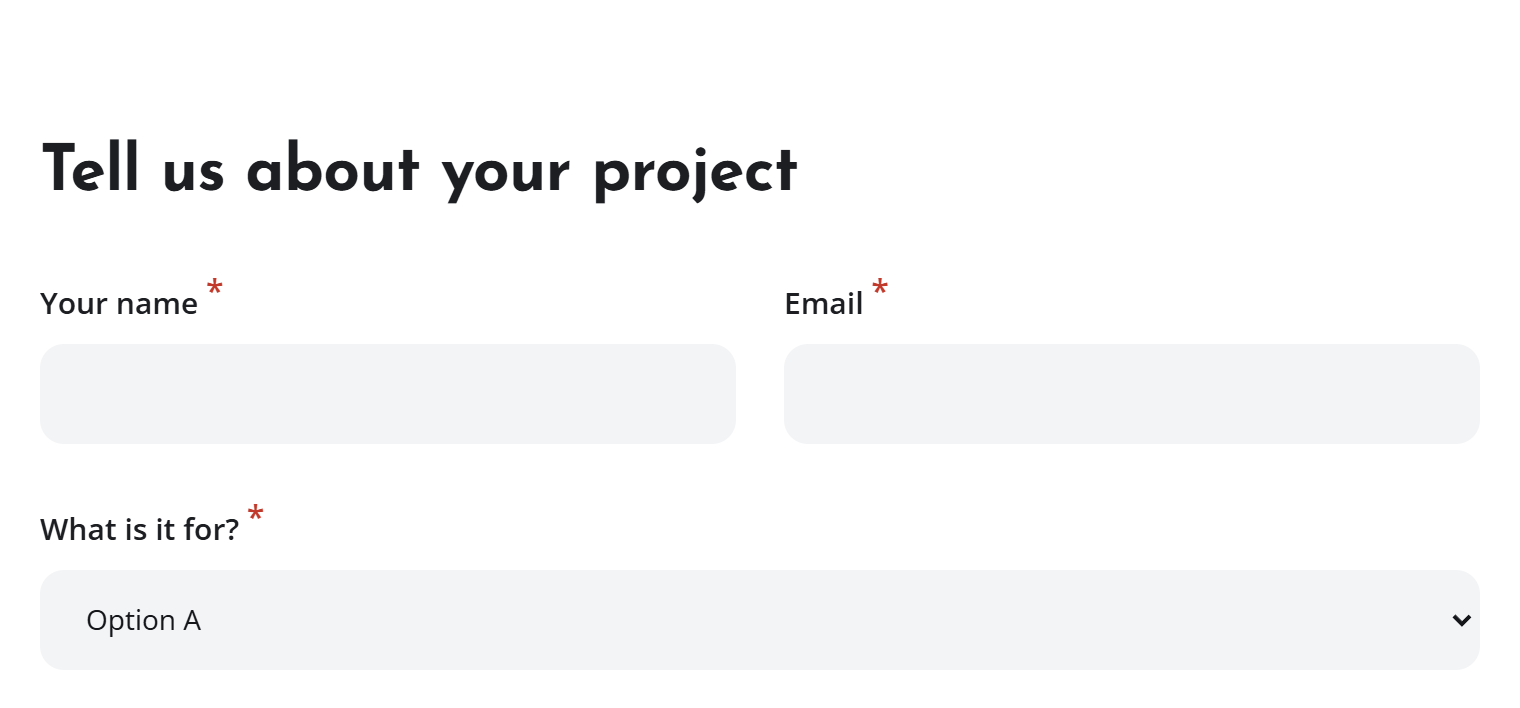
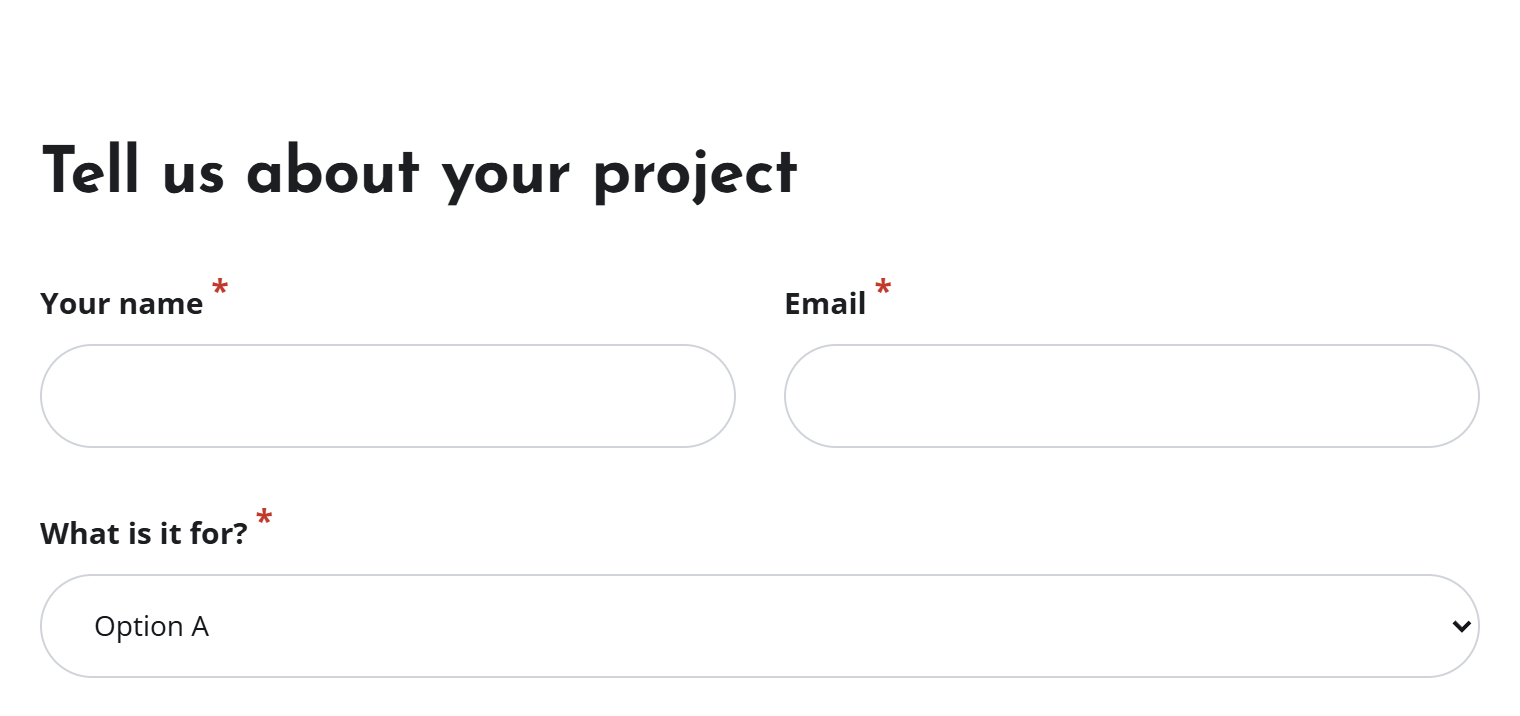
| Soft | Filled light grey fields with no visible border and a coloured focus ring. |
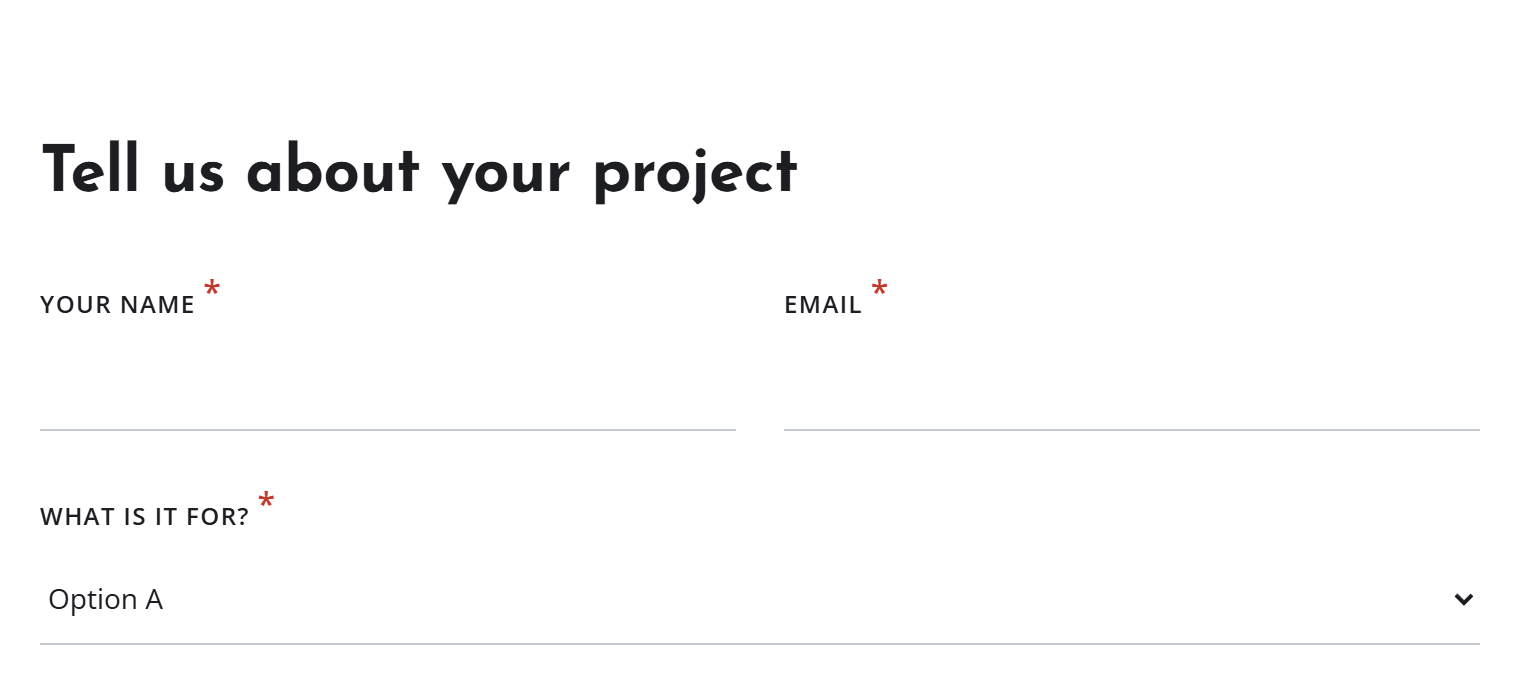
| Underline | A single line under each field and small uppercase labels. The typed text takes the page's own colour. |
| Rounded | Pill-shaped fields. Long text boxes keep a gentler curve so they don't turn into capsules. |
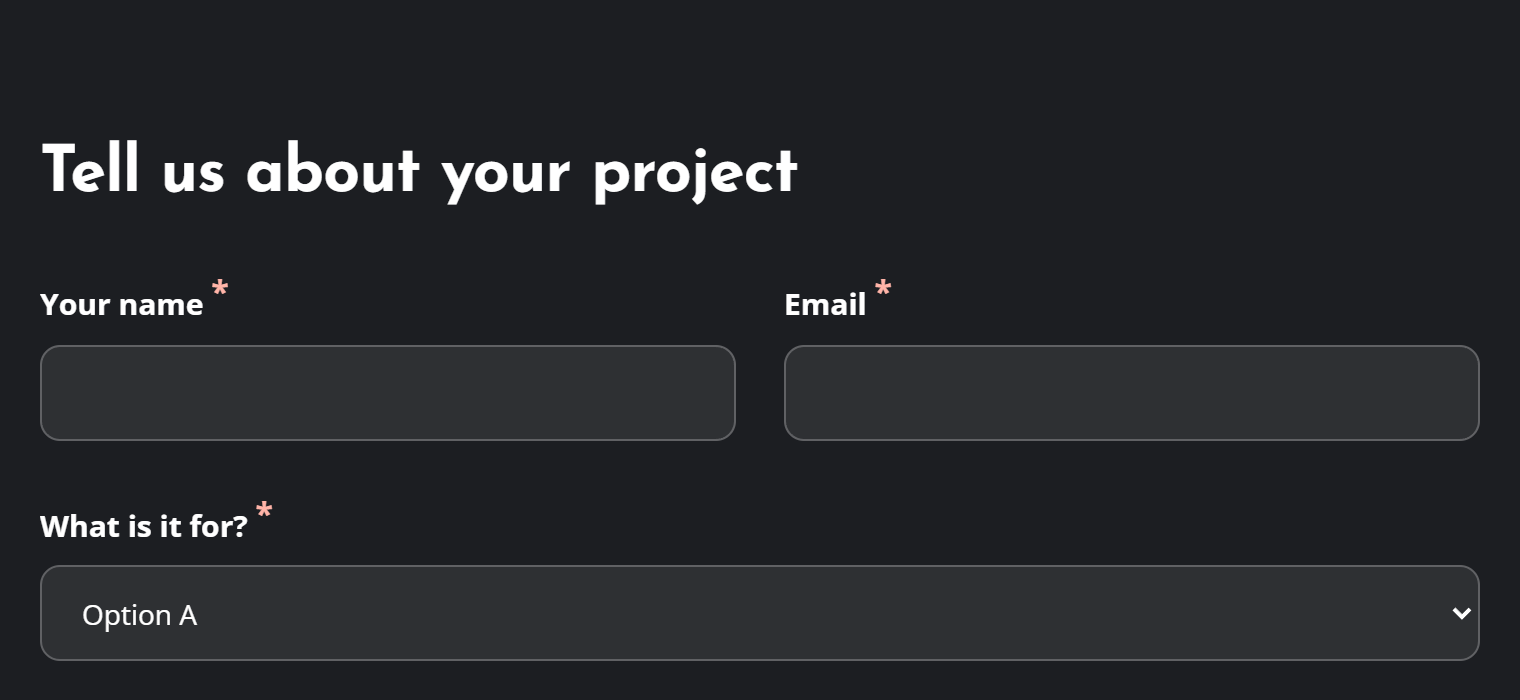
| On Dark | Translucent fields with light text and labels, for forms placed on a dark section. |
What a preset controls
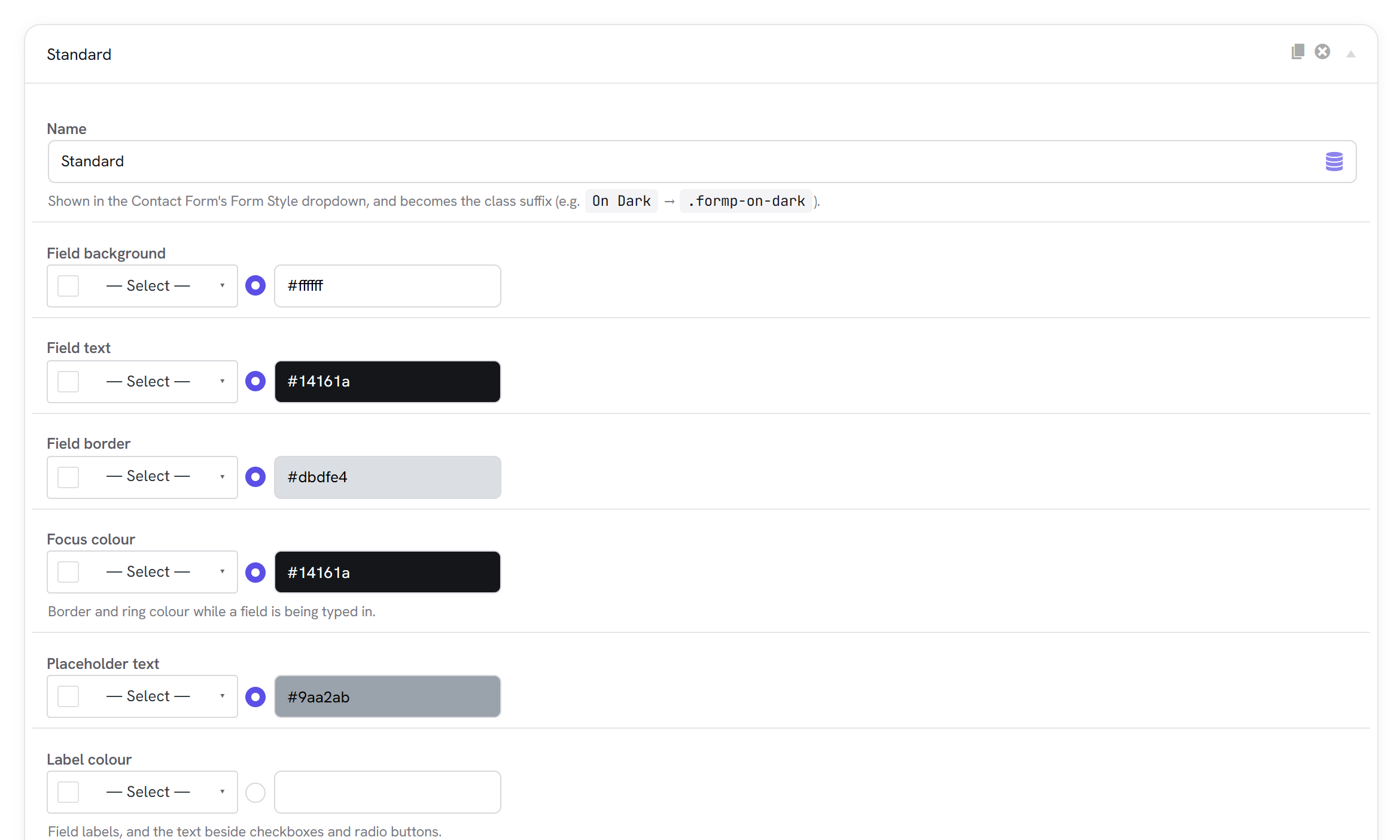
- Colours: field background, field text, border, focus colour, placeholder text, label colour, help text, error colour (error messages and the required star), and choice colour (ticked checkboxes and radio buttons, and the chosen score in a rating).
- Shape: border width, a full box or just an underline, corner radius, field height, side padding and text size.
- Focus ring: none, subtle, medium or strong, in the focus colour. An underline style gets a thicker underline instead of a halo.
- Labels: size, weight, and uppercase or as written.
- Dark mode: a separate set of field, text, border, placeholder, label and help colours used when the site is shown in dark mode. Leave them empty to keep the normal colours.
- Custom CSS: for anything else.
{{SELECTOR}}becomes the preset's class; the fields sit inside.wrap-forms.
Using a style on a form
Open the Contact Form, go to Style, and choose a Form Style. Choose None to show plain fields with no preset.
The field settings further down the Style tab (field background, text, border, focus colour, label colour, corner radius, border width, padding) are this form only overrides: they change one form without touching the preset. Leave them empty so the form follows its style; that way a later edit of the preset still reaches it.
Text in a field needs a contrast of at least 4.5:1 with the field's background, and the field's own edge at least 3:1 against the page, or people with low vision can't find the box. Keep a visible focus ring: it is how keyboard users know where they are. WCAG: non-text contrast
How it's coded
An addable-box stored under form_style_presets in the Theme
Settings, like every Components library. The Forms extension adds the tab through the
unysonplus_components_settings_options filter and writes each preset's .formp-{slug} rules into the
shared cached presets-{hash}.css through unysonplus_global_css
(forms/includes/styles/class-fw-forms-style-presets.php). See the
shared pipeline.