Element Designs
Theme Settings → Element Designs is the manager for design packs — the layout variants an element offers in its Design option (the same picker where you choose, say, a Team Member card layout).
It has its own top-level tab (right after Icons), not a sub-tab of Components. That placement
is deliberate: the Components tabs are all preset libraries (addable-box groups that compile into
the shared presets-{hash}.css), but Element Designs is a management dashboard for installable
packs — closer to the Icons pack manager than to a preset library. (It used to live under
Components → Element Designs; the manager is the same, only its home changed.)
How it's coded
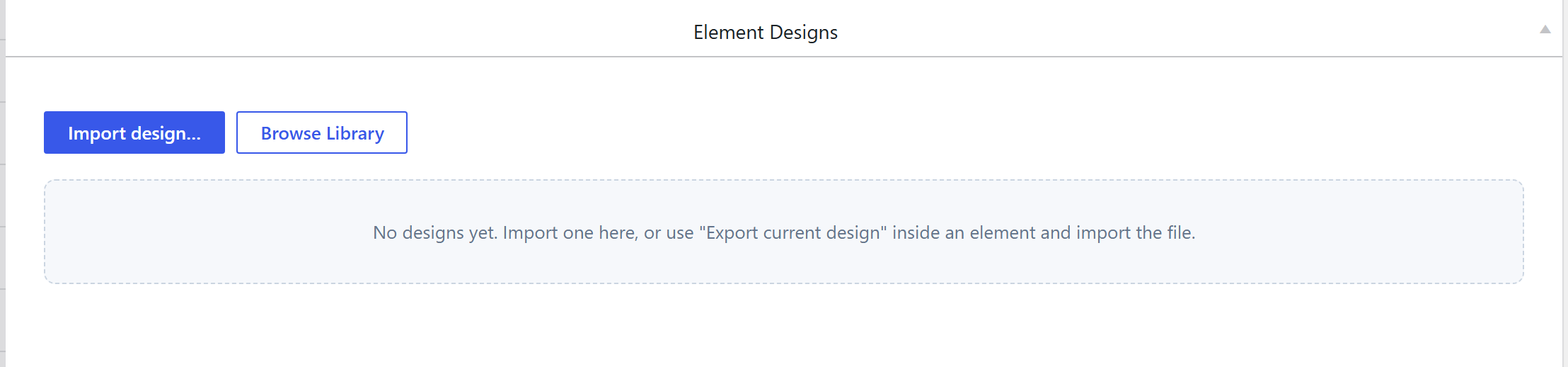
The tab is a bespoke UI: a single sc_eldesigns_manager option of type
html-full (a full-width custom HTML/CSS/JS control), not a
postbox-wrapped option group. It lists the design packs installed for each element, and lets you
install / remove / manage them. It is registered as its own top-level section in the shortcodes
extension's theme-settings loader.php (pulled out of the Components libraries list), mirroring how
the Icons tab is registered.
What a design pack is (and its output)
A design is a self-contained folder an element loads for one Design choice — it ships its own
manifest.json, view.php (the render partial), scoped static/css/styles.css, optional
static/js/script.js, extra options.php, and an img/icon.svg picker tile. So a design's "output"
is its own scoped CSS/markup, not a class in the shared presets-{hash}.css — each pack styles its
own variant. This is exactly why it is not a Components preset library.
Building one is documented in Create a shortcode design (design pack).
How it's picked
On the element itself: the Design option (an image-picker of the installed packs' icon.svg
tiles). The Element Designs tab is where packs are installed and managed; the element's Design dropdown
is where one is chosen.
Related
- Create a shortcode design (design pack) — build your own.
- Components overview — the preset libraries (Element Designs is no longer one of them).